If you’re publishing content regularly, you have an internal linking problem. You just might not know it yet.
Internal links – the links between your own pages – are one of the most effective SEO tactics available. They help search engines understand how your content relates, which pages matter most, and what topics you actually cover in depth.
The problem isn’t knowing this. The problem is doing it.
The real bottleneck
Linking from new content to old content is manageable. You write about productivity, you remember your three previous articles on the topic, you add some links. Done.
But linking from old content to new? That’s where it breaks down.
It requires going through existing articles, finding natural places where a link would fit, and making the edit. Multiply that by every article you’ve published over the years. It’s the kind of task that’s important but never urgent – which means it never happens.
The result is most content libraries have dead ends everywhere. Articles that point forward to newer content, but never backward. Topics that should connect, but don’t.
Search engines notice. AI bots notice. So do readers.
What I built
AI Internal Linking is a WordPress plugin that automates this process using AI.
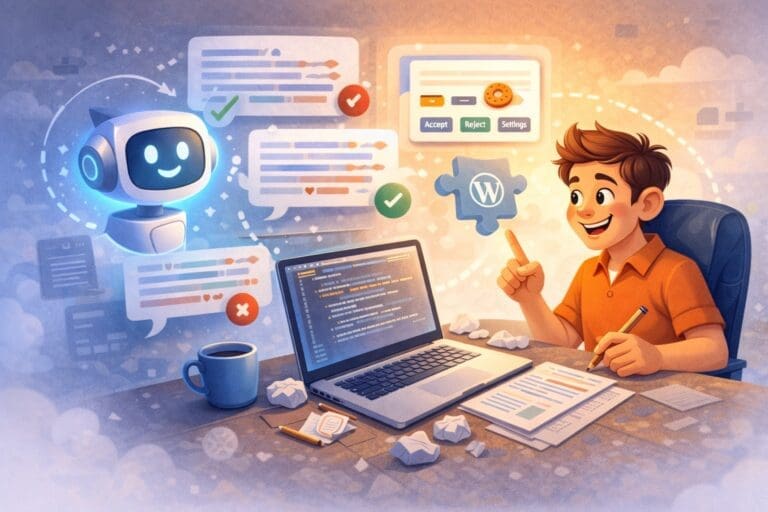
The plugin scans your site, extracts body text from posts and pages, and sends the content to an AI model – Claude, GPT-4, or Gemini – that identifies phrases which could naturally link to related content. The AI understands context, so it finds connections that actually make sense. Not just keyword matches.
Each suggestion comes with a relevance score and reasoning. You can review and approve manually, or let the system run automatically if you trust it.
Here’s what that looks like in practice:
You configure the plugin with your AI provider and specify which post types to scan. The plugin analyzes content, identifies existing links, and calculates how many more would fit without overdoing it.
For each potential target – another article that might be worth linking to – the plugin sends a structured prompt to the AI. The response includes suggested phrases from the source text, the context where they appear, a relevance score, and an explanation of why the link makes sense.
All suggestions land in a review queue. You can approve, reject, or implement directly. When a link is implemented, the plugin opens the post, finds the exact phrase, inserts the link, and saves. Everything is logged for tracking.
You can run it manually when you publish new content, schedule automatic scans, or let it run fully autonomous.
Why this matters for solopreneurs
If you’re building a content-driven business, your archive is an asset. But only if it’s connected.
A well-linked content library does several things:
It keeps readers on your site longer. Someone reading about email marketing discovers your article on lead magnets, which leads to your piece on welcome sequences. One visit becomes three page views.
It signals topical authority to search engines. When your articles reference each other around a topic, Google understands you’ve covered it thoroughly. That matters for rankings.
It compounds over time. Every new article you publish becomes an opportunity to strengthen existing content – if you actually link back to it.
The manual approach doesn’t scale. You might keep up when you have 20 articles. At 200, it’s impossible without dedicated time you probably don’t have.
The trade-offs
This isn’t magic. There are real requirements.
You need an AI API key, which means costs. The plugin includes budget tracking and warnings, but scanning hundreds of articles will use tokens. For most sites, it’s a few dollars per full scan – but it’s not free.
AI suggestions aren’t perfect. The relevance scoring is good, but you’ll occasionally see suggestions that don’t quite fit. The semi-automatic mode – where AI scans but you approve – handles this well. Full automation requires trusting the system.
It’s WordPress only. If you’re on Webflow, Ghost, or a custom setup, this doesn’t help you directly. Though the approach could be adapted.
Where it stands
This is a first version. The core functionality works – I’m using it on my own sites – but there’s more to build before it’s ready to stand alone.
The plan is for this plugin to become part of a complete solution for my consulting clients, alongside tools like my Cookie Consent Manager. Not separate products, but an integrated WordPress stack where everything works together.
It’s the kind of tool I’m building now: things that solve real problems I have, in ways that don’t create new dependencies.
If you’re running a content-heavy WordPress site and internal linking has been on your “someday” list, this is the kind of problem AI is genuinely good at solving.
More updates as it develops.