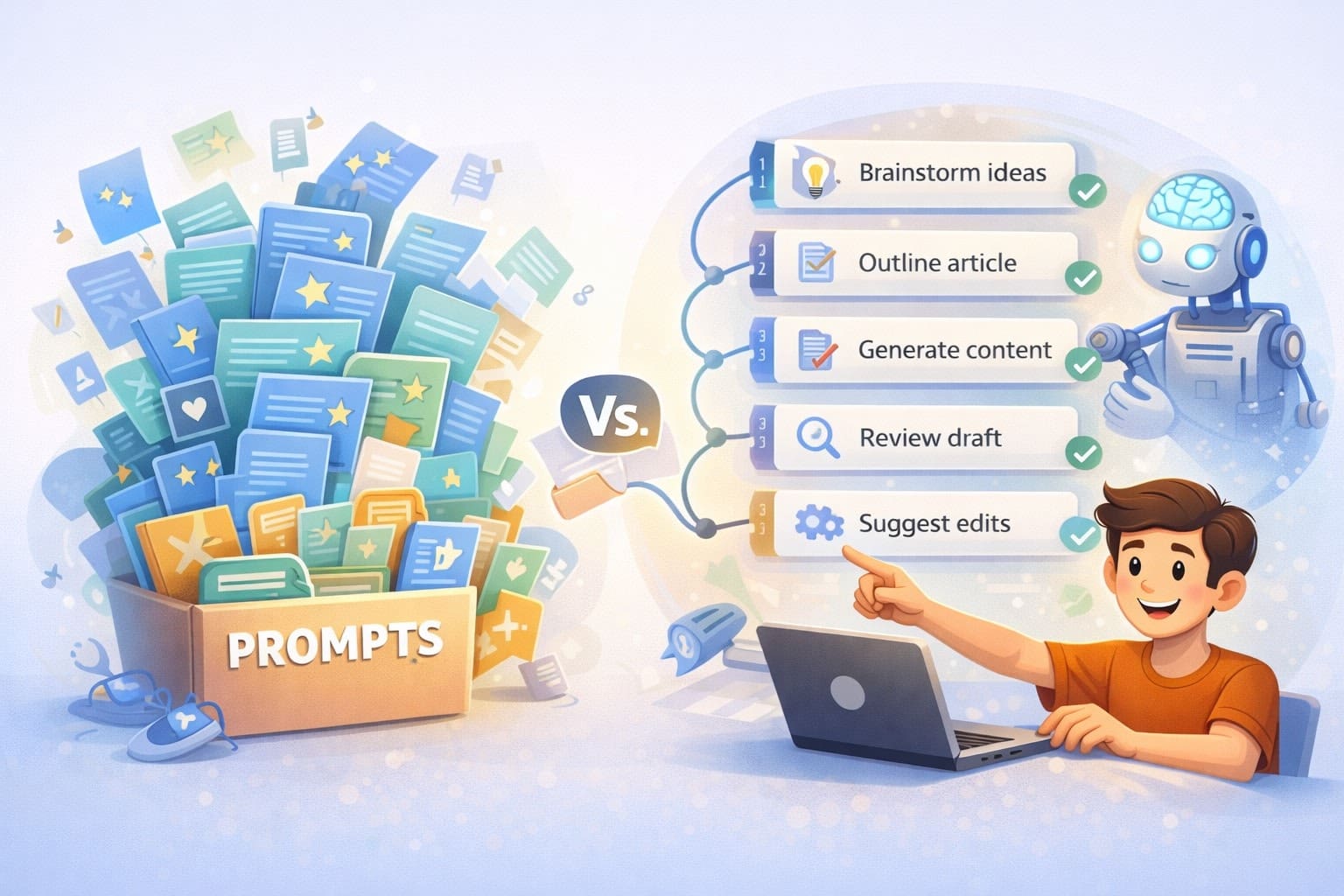
There are probably forty “best AI prompts” posts published today. Tomorrow there’ll be forty more. Each one promising the exact right words to make AI finally work for you.
I’ve read a lot of them. Saved more than I’d like to admit. Most are sitting in a folder I opened twice.
The thing is – the prompts themselves were often fine. Some were even good. But they didn’t change anything about how I work. They just sat there, collecting digital dust next to bookmarked articles I also never re-read.
I use five prompts every day. Five. And they do more for me than the hundred I used to hoard. Not because they’re better written. Because they have a job.
Why most prompt lists don’t work
Saving a prompt feels like progress. You found something clever, you filed it away, and now you “have it.” It’s the same instinct that makes people screenshot productivity tips but never change their morning routine.
The problem isn’t the prompt. It’s that a prompt without a workflow is just a sentence. It has no trigger, no context, no place to land.
Think about it. You find a prompt that says “act as a senior editor and review this text for clarity and flow.” That’s reasonable. But when do you use it? On what kind of text? With what criteria? After which step? And what do you do with the output?
Without answers to those questions, the prompt sits in your Notion database alongside thirty others. All perfectly formatted. None of them used after the first week.
I’ve tested hundreds of prompts over the past two years. The ones that actually stuck – the ones I reach for daily – all have one thing in common. They weren’t standalone. They were embedded in a process I was already running.
What makes a prompt actually useful
A prompt works when it has a job in your day. Not a hypothetical job. A real, recurring one.
The difference comes down to three things. First, the prompt is triggered by something you do regularly – not something you might do someday. Second, it has a defined input. You know exactly what to feed it before you open the chat window. Third, it produces a specific output you act on immediately. Not “interesting ideas” – something that moves to the next step.
This is where my own system took a turn. I stopped thinking about prompts as standalone things and started building them as layers. Each prompt in my workflow knows things the others don’t need to – voice guidelines, structural frameworks, format constraints, audience context. None of that lives in a single prompt. It lives in the system that holds the prompts together.
The contrast is sharp. A generic prompt says “write me a blog post about productivity.” My version of that interaction already knows the tone, the structure, the audience, the format, and the quality criteria before a single word is generated. Not because the prompt is longer. Because the prompt is the last step, not the first.
That’s the shift. Most people optimize the prompt. I optimize everything around it.
The five prompts (and why they’re roles, not formulas)
I’m not going to give you the actual prompts. Not because they’re secret – but because copying them wouldn’t help you. They work because of where they sit in my workflow, not because of how they’re worded.
What I can share is what each one does. Five roles, used daily, forming a chain.
The briefing prompt. This one turns a vague idea into a structured brief. Before I write anything, I need to know the angle, the audience, the core message, and the format. This prompt asks the right questions and organizes the answers. It’s the least glamorous of the five and probably the most important. Without it, everything downstream is guesswork.
The outline prompt. Takes the brief and builds a structural skeleton. Sections, purposes, flow, transitions. I don’t write without an approved outline – and this prompt knows which structural frameworks work for which types of content. It’s not generating the outline from nothing. It’s selecting the right architecture based on what the brief says.
The writing prompt. This is where most people start and stop. For me, it’s step three. By the time this prompt runs, it has the brief, the outline, voice guidelines, and format constraints already loaded. It doesn’t need to guess what I want. It knows. That’s why the output is useful instead of generic.
The editorial prompt. Reviews the draft against specific criteria. Not “make it better” – that’s useless. More like: does the intro deliver on the headline’s promise? Is the sentence rhythm varied? Are there anti-patterns I want to avoid? This prompt catches things I’d miss after staring at the same text for an hour.
The distribution prompt. Extracts short-form content from the finished piece. Social posts, newsletter hooks, standalone observations. These aren’t written separately – they’re pulled from the article, so they always match the voice and the substance.
Five prompts. One chain. Remove one and the others get weaker.
The real lesson
Here’s the thing most people won’t tell you about prompt engineering: the prompts themselves are replaceable. I’ve swapped out individual prompts multiple times. Replaced my editorial prompt just last week after three months of using the old one. The system didn’t break. It got slightly better.
What doesn’t change is the structure. The five roles. The chain. The fact that each prompt inherits context from the one before it.
A system with five mediocre prompts in the right positions will outperform fifty brilliant ones scattered across your bookmarks. Every time. Because the bottleneck was never the wording. It was the workflow.
If you’re sitting on a folder of saved prompts you never use – that’s not a discipline problem. It’s an architecture problem. And architecture is fixable.
Stop collecting prompts. Start building the system they live in.